IP-S8000M Digital IP Network Mobile Customer Service Software (Android mobile phone version)
The IP‑S8000M Android app offers a portable, permission-controlled interface for managing live broadcasts, on-demand audio, and scheduling across an IP-PA infrastructure. It’s ideal for users who need flexibility outside the main control room.
Core Features
-
**Mobile broadcasting control**
– Log in to the app to select terminals (individual or grouped) and control live speech, on-demand playback, file uploads, and scheduling.
– High-privilege users can interrupt or override lower-priority users during multi-user scenarios. -
Real-time terminal monitoring
– View status (online, streaming) of all permitted terminals in real-time. -
File upload & on-demand playback
– Upload audio files directly from the phone and play them to selected terminals. -
Schedule management
– Remotely add or adjust timed playback tasks for specific terminals.
User & Permission Controls
-
Multi-user login with role-based access
– Admins assign user permissions via the main IP‑S8000 system; mobile users’ actions respect these settings. -
Priority management
– App respects user hierarchy—higher-level users can preempt lower-level user sessions.
| Scenario | Mobile App Role |
|---|---|
| Campus communication | Staff can make announcements from anywhere on campus. |
| Retail support | Managers remotely play on-hold or store messages. |
| Emergency response | Supervisors can trigger evacuation alerts from their phone. |
| Client-facing services | Hotel staff deliver bespoke messages or music via mobile. |
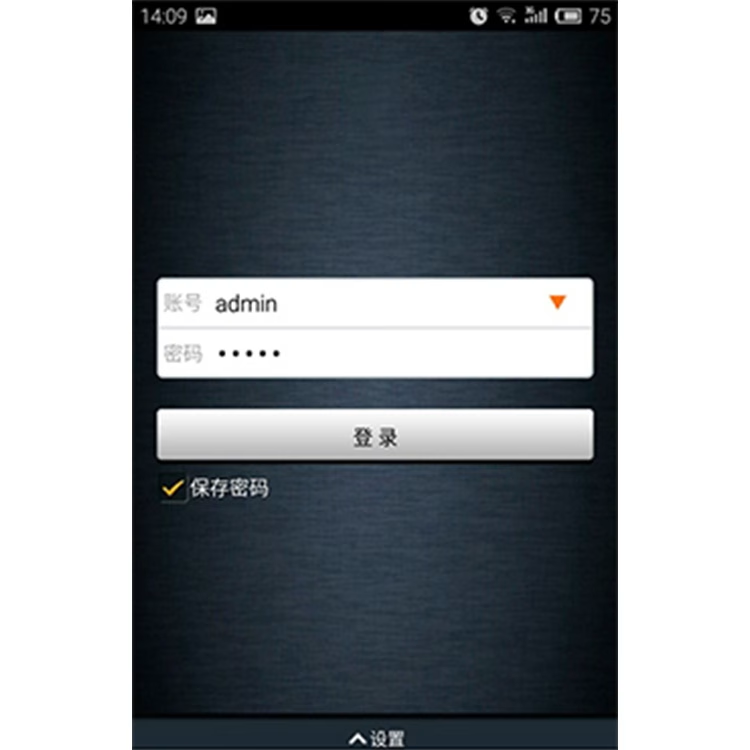
* Mobile customer service software is an APP for mobile Android system, simple and generous interface;
* Use the mobile phone as a tool to control the terminal broadcast in the system via WIFI or mobile network;
* Easy access, wifi can be accessed to the broadcasting system, on-demand, speech, file upload, terminal management;
* More flexible and intelligent than ordinary remote control, using existing resources;
* Support user rights management, mobile customer service software must be logged in before users can use;
* Any user can set permissions through the network audio system control software, specifying the terminals that need to be controlled;
* With multiple users at the same time login control, high-privileged users priority low-privileged user playback tasks;
* The terminal status is viewed in real time, and after the user logs on to the mobile customer service side, the playback and connection status of the terminal within the permission is viewed in real time;
* With real-time speech function, after logging into the mobile customer service terminal, you can speak at will to the single or multiple terminals specified within the permission;
* With program-on-demand function, after logging on to the mobile customer service side, you can play tracks on the on-demand server to a single or multiple terminals within the permissions;
* With the file upload function, you can upload music from your computer to the server and then on-demand the designated terminal within the permissions;